
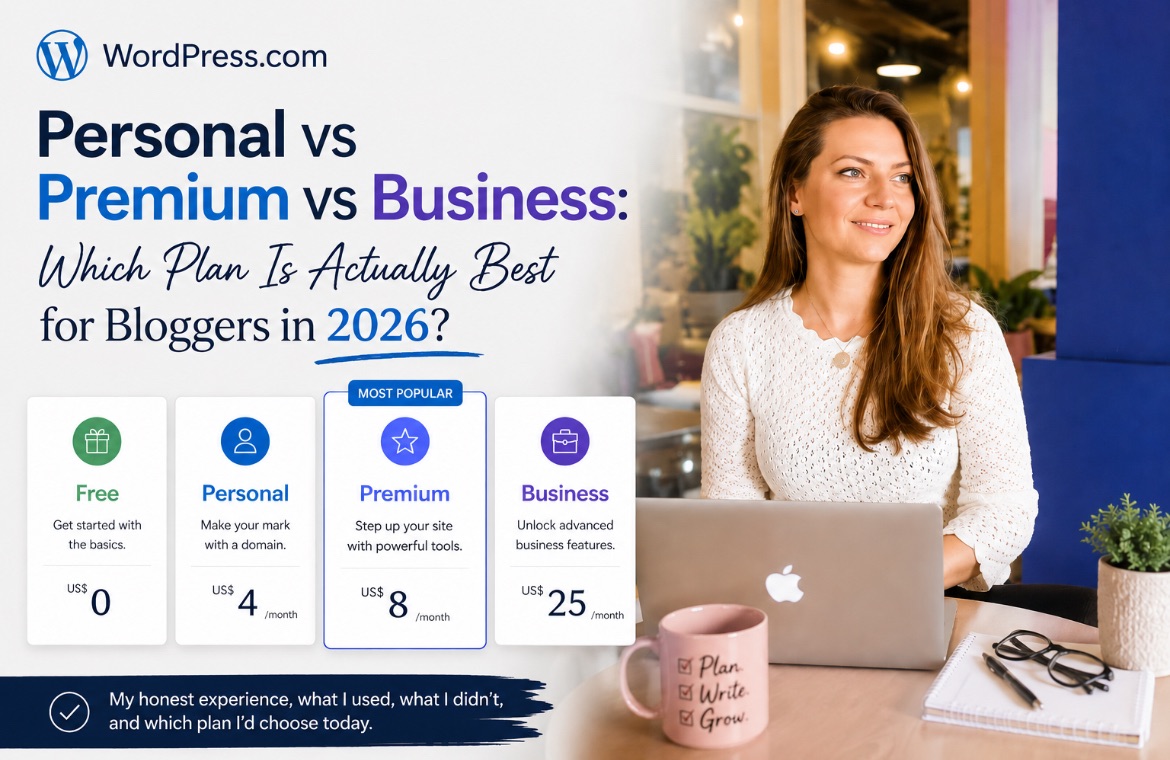
After seven years of using WordPress.com (and paying for three different plans), here’s what I’d choose if I were starting a blog today.
*Disclosure: This post contains affiliate links. If you sign up through my link, I may earn a small commission at no extra cost to you. I only recommend tools I actually use and genuinely believe can help other bloggers.
I’ve been using WordPress.com since I created my first blog back in 2016. At the time, I was still a student, so signing up for the Free plan was the obvious choice. As my blog grew, so did my needs. I eventually upgraded to the Business plan, stayed on it for more than four years, and last year decided to downgrade to Premium.
Looking back, I don’t regret any of those decisions because each plan suited the stage I was at. What I do wish I had known from the beginning is that the “best” WordPress.com plan isn’t necessarily the one with the most features. It’s the one with the features you’ll actually use.
Most comparison articles simply list everything that’s included in each plan and tell you to choose the one with the longest feature list. My experience has been a little different. After paying for different WordPress.com plans over the last seven years, I realised there were features I used almost every day, features I opened once out of curiosity, and quite a few that I was paying for without ever really needing them.
If you’re trying to decide which WordPress.com plan is worth paying for in 2026, I’ll walk you through my experience with each one, explain why I upgraded (and later downgraded), and hopefully help you choose the right plan for where you are today.
WordPress Plans Comparison
Here’s the current line-up of WordPress plans, from Free to Enterprise:

If you only want the short answer, here’s my recommendation:
- Free: Great for learning WordPress and testing whether blogging is right for you.
- Personal: The best value if you’re starting your first blog or portfolio website.
- Premium: My favourite plan for bloggers, freelancers and content creators interested in building traffic for their site.
- Business: Best suited to businesses that genuinely need developer tools, advanced backups or e-commerce features.
Now let’s go through each WordPress plan in more detail.
WordPress.com Free Plan
The Free plan is where my blogging journey started, and I actually think it’s one of the best ways to learn WordPress.
I stayed on this plan for about a year while I figured out how blogging worked. It gave me everything I needed to learn the basics: creating pages, publishing blog posts, organising tags & categories, uploading images, and becoming familiar with the WordPress dashboard. At that stage, I wasn’t thinking about SEO, monetisation or growing my audience. I simply wanted to learn using the platform and practice writing.
More recently, I found myself using the Free plan again when I created a new coffee blog. I wasn’t ready to commit to a domain name yet, so creating the site on a free WordPress.com subdomain gave me the freedom to test different ideas before officially launching it. If you’re curious, I’ve documented the entire process in a separate tutorial.

What I liked about the Free plan
The biggest advantage is, of course, that it’s completely free. If you’ve never built a website before, there’s no financial commitment and no pressure to make everything perfect from day one.
You also get access to the same WordPress editor used on paid plans, so you’re learning the platform you’ll continue using if you decide to upgrade later.
For complete beginners, I honestly think this is enough.
Suggested read: I have a few guides on how to write SEO blog posts for you if you’re looking to learn.
Limitations to the Free plan
After about a year, I realised I had outgrown it.
The biggest limitation for me was the WordPress.com subdomain. A website address like yourblog.wordpress.com is perfectly fine while you’re learning, but once you start sharing your blog with potential clients, employers or readers, having your own domain immediately makes your website look more professional.
The other limitation was growth. At the time, I wanted better SEO tools, more detailed analytics, and the flexibility to customise my site further. Those were the features that eventually convinced me to upgrade.
Is the Free plan good enough for bloggers?
If you’re completely new to blogging, yes.
The Free plan gives you enough room to learn how WordPress works without spending any money. You’ll be able to write blog posts, build pages, test different layouts and decide whether blogging is something for you to invest long-term.
I wouldn’t recommend staying on the Free plan forever, but I do think it’s an excellent place to start.
WordPress.com Personal Plan: The Plan I Skipped (But Would Probably Choose Today)
The Personal plan is an interesting one for me because I never actually used it.
When I decided to upgrade from the Free plan, I skipped straight to Business. At the time, that decision made sense because I wanted access to features like SEO plugins, better analytics, and more control over my website. Back then, those features were only available on the higher-tier plans, so Business felt like the only option if I wanted to grow my blog seriously.
However, WordPress.com has changed quite a lot since then. With plugins now available on ALL paid plans, the Personal plan has become much more valuable for bloggers. It gives you many of the tools that I originally upgraded for, but at a much lower price point.
If I were starting a blog today, this is the plan I would seriously consider first.
For US$4/month, you get a custom domain (free for the first year), access to plugins, website statistics, and a more professional setup compared to the Free plan.
For many new bloggers, that is honestly enough.
What I like about the Personal plan
The biggest advantage is that it removes the limitations that make the Free plan feel like a beginner platform.
Having your own domain name is important if you want to build a professional online presence. Whether you’re starting a blog, creating a writing portfolio, or building a personal brand, having your own website address makes your website feel more established. You also get access to plugins, which opens up more possibilities for SEO, analytics, and customisation.
The Personal plan now covers those basics.
Limitations to the Personal plan
The main limitation is that it is still designed for simpler websites. If you’re planning to sell products, build a large email list, upload lots of videos, or create a website that functions as a business platform, you may eventually outgrow it.
For example, if your blog relies heavily on monetisation features or you need more advanced analytics and business tools, Premium or Business may make more sense.
But for someone starting a blog, building a portfolio, or creating content without a complex business model, I think Personal is a very strong option.
Who should choose the Personal plan?
I would recommend Personal for:
- New bloggers who are ready to move beyond the Free plan
- Writers building an online portfolio
- Freelancers who want a professional website at the lowest cost
- Anyone who wants their own domain without paying for unnecessary features
Pro Tip: If I were starting my first blog in 2026, I would probably begin here.
WordPress.com Business Plan: The Plan I Used for 4+ Years
When I upgraded to Business, I was at a different stage of my blogging journey. I wasn’t just experimenting with writing blog posts anymore. I had a niche and goal in mind, and was ready to take blogging seriously and eventually turn it into a career. I wanted a professional domain, SEO tools, analytics, and the ability to add payment options to my website.
At that time, the Business plan gave me everything I needed. And just to be clear: I don’t regret choosing it, proof that I stayed on it for so long. For several years, it was the right decision for my blog. But just as people change, business changes. And you cannot assume that because I needed those extra features at one point, I would always need them.
The Business plan is currently US$25/month and includes features like 50GB storage, advanced backups, premium themes, business tools, email marketing features, and developer-level access through options like SFTP, SSH and WP-CLI.
For some websites, these advanced features are extremely valuable.
For my website? Not anymore.
Premium vs Business Plan
There are two main differences between Premium and Business: developer tools and commerce features. Both of which I do not need as a blogger.
1. Developer tools

2. Commerce solutions

What I actually used from the Business plan
The features I genuinely relied on were:
- SEO tools
- analytics
- plugins
- Google Search Console integration
- payment buttons
Everything else was nice to have, but not essential for how I use my website.
I tried MailPoet, the built-in email marketing tool, once. I created a newsletter, sent a couple of emails, and then stopped using it. I never touched developer access, mainly because I have no idea how to use it. Since I don’t write code, it wasn’t something I needed. There are also exclusive plugins for online stores (order tracking, catalogues, etc), which I had no use for.
They were not bad features, just not useful for me.
Why I Downgraded From Business to Premium
The moment I started questioning whether I still needed Business was when I opened my annual renewal invoice. I remember looking at the amount and thinking about what I had actually used during the previous year. The answer was surprisingly simple.
The tools I depended on could be counted on one hand.
My blog was not an online store. I wasn’t managing products, customer orders, or a large membership website. StudioScribis is primarily my writing portfolio and blog, not an e-commerce business.
And I was paying for features designed for websites with completely different needs.
After more than four years on Business, I decided to downgrade to Premium.
At first, I was worried if I would immediately notice a drop in SEO ranking, since I would lose access to Yeost SEO. I didn’t, because I continued to create the same valuable posts, with the SEO checklist memorised.
WordPress.com Premium: The Plan I’m Using Now
After more than four years on Business, I moved to Premium.
And the biggest surprise was how little changed. I expected to notice something missing. I thought I would eventually run into limitations and regret moving down a tier.
But that never happened.

The Premium plan costs US$8/month (US$96/year) and gives me access to the tools I actually use as a blogger: plugins, SEO tools, analytics, premium themes, email list, Stripe and PayPal payment buttons, and video uploads.
For my current website, it feels like the right balance between having room to grow while avoiding paying for features that don’t fit my needs.
I’m a blogger, not an online store – and this plan is perfect for me.
The two features I use regularly
The two features I consider essential for bloggers are:
1. WordPress.com Stats
WordPress.com Stats is one of my favourite features because it gives me a quick overview of how my content is performing. I can see which articles are bringing traffic, where visitors are coming from, and how my audience is finding my website.
For a blogger, understanding your audience is just as important as publishing content. You need to know what people are interested in so you can create more useful content.

Suggested reading: Here, I showed how I used WordPress Stats to diagnose a traffic drop
2. SEO tools
I still use SEO tools like Yoast SEO and Google Analytics because they help me make sure my articles follow basic SEO best practices. That said, after years of writing content, I already know many of the fundamentals and I memorised the checklist by heart.
So, if WordPress decides to remove this feature, I’m confident I’ll be fine. I don’t need a huge number of advanced tools to tell me whether an article is optimised.

Who should choose Premium?
I think Premium is the sweet spot for many bloggers and content creators.
It works well for:
- Bloggers starting to building an audience (with SEO traffic)
- Freelancers who need a professional website
- Writers/writer profiles
- Content creators building a professional site
- Personal brands and small service businesses not selling actual physical goods
You get the tools that help you grow, without paying for features designed for websites with more complex business needs.
My Honest Recommendation: Which WordPress.com Plan Is Best for Bloggers in 2026?
After using three different WordPress.com plans over the last seven years, I don’t think there is one single “best” plan for everyone. The right choice depends on where you are in your blogging journey, and whether you plan on having an online store in the future.
When I first started, the Free plan was exactly what I needed. I was a student, I was learning, and I wasn’t ready to invest money into something I wasn’t sure I would continue.
A few years later, Business made sense because I wanted more flexibility and access to tools that were important for growing my website.
Today, Premium is the right choice because my website has evolved. I know what tools I actually use, and I no longer need to pay for features designed for a completely different type of website.
That is probably the biggest lesson I’ve learned:
Don’t choose a WordPress.com plan based on where you think your website might be in three years. Choose based on what you actually need today.
You can always upgrade later.
I’ve done it myself.
Ready to choose your WordPress.com plan? Compare the available plans and find the option that matches your blogging goals.
About the author: Alle Ceambur (MBA) is an SEO content writer for SaaS and tech brands. She has been blogging on WordPress.com since 2016 and writing professionally for brands since 2019. She covers content marketing, business tools, and social media strategy for freelancers, creators and small businesses at StudioScribis.com.
More articles:
I Built a Coffee Blog With WordPress AI Builder in 5 Hrs – Here’s How It Went
How I Used WordPress.com Stats To Diagnose a Traffic Drop (10-Minutes Only)
Leave a Reply